
How This Software Was Cobbled Together
Now that the software is finally finished and online, I'd like to wrap up the documentation with a few words about the development journey behind it. This isn't a formal technical write-up—more like some personal rambling, a record of how this little tool went from a vague idea to something real.
My earliest experience with RealTrainMod involved RTM Sound Maker, and I remember how refreshing it felt to create VVVF sounds without writing a single line of JavaScript (RTM's motor sounds normally require JS). Later, I spent some time with OpenBVE and HMMSIM, and also came across ZBX's motor sound editor.
When NTE came along and I started trying out MTR, I wanted to make a BVE-format motor sound for my Ocean Cruiser. But there wasn't any visual tool at the time that could natively export that format. I had to manually write CSV files in Excel, then import them into Motornoise Audition just to hear the result. Every tiny adjustment meant repeating this whole tedious workflow, and honestly, it became a bit of a pain. That's when the thought first crossed my mind: why not build a graphical tool myself, one where I could drag curves and tweak parameters directly?
I first got my hands dirty at the end of April 2024. I sketched a few rough UI drafts and set out to build it with C# and WPF. After coding for a while, though, WPF's various constraints felt awkward everywhere, and that version was quickly abandoned.
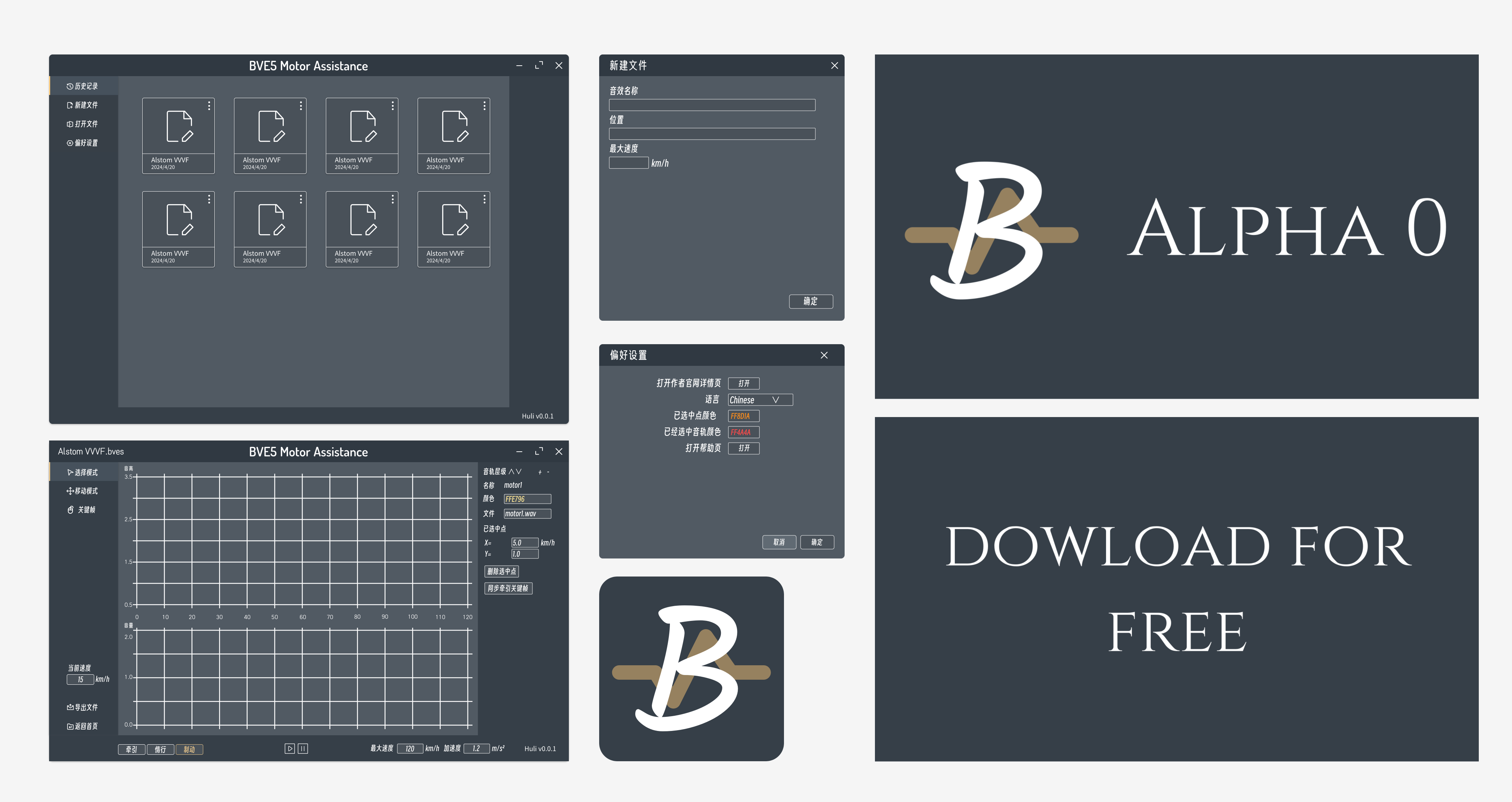
Early UI design draft
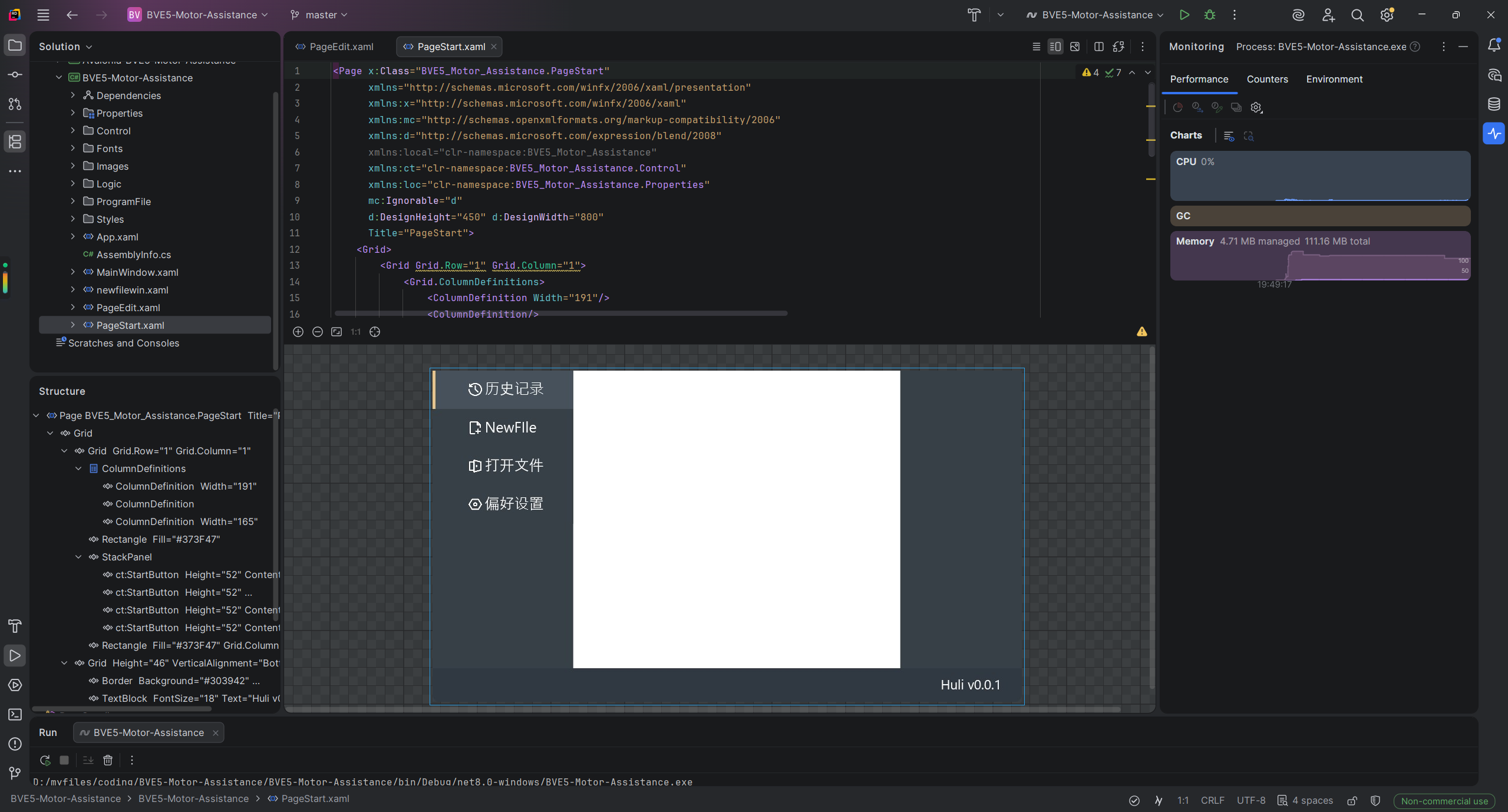
WPF version
In January 2025, I dusted the idea off again, this time switching to Avalonia UI. It was noticeably more comfortable to work with than WPF—the CSS-like styling system and data binding were much more to my taste.
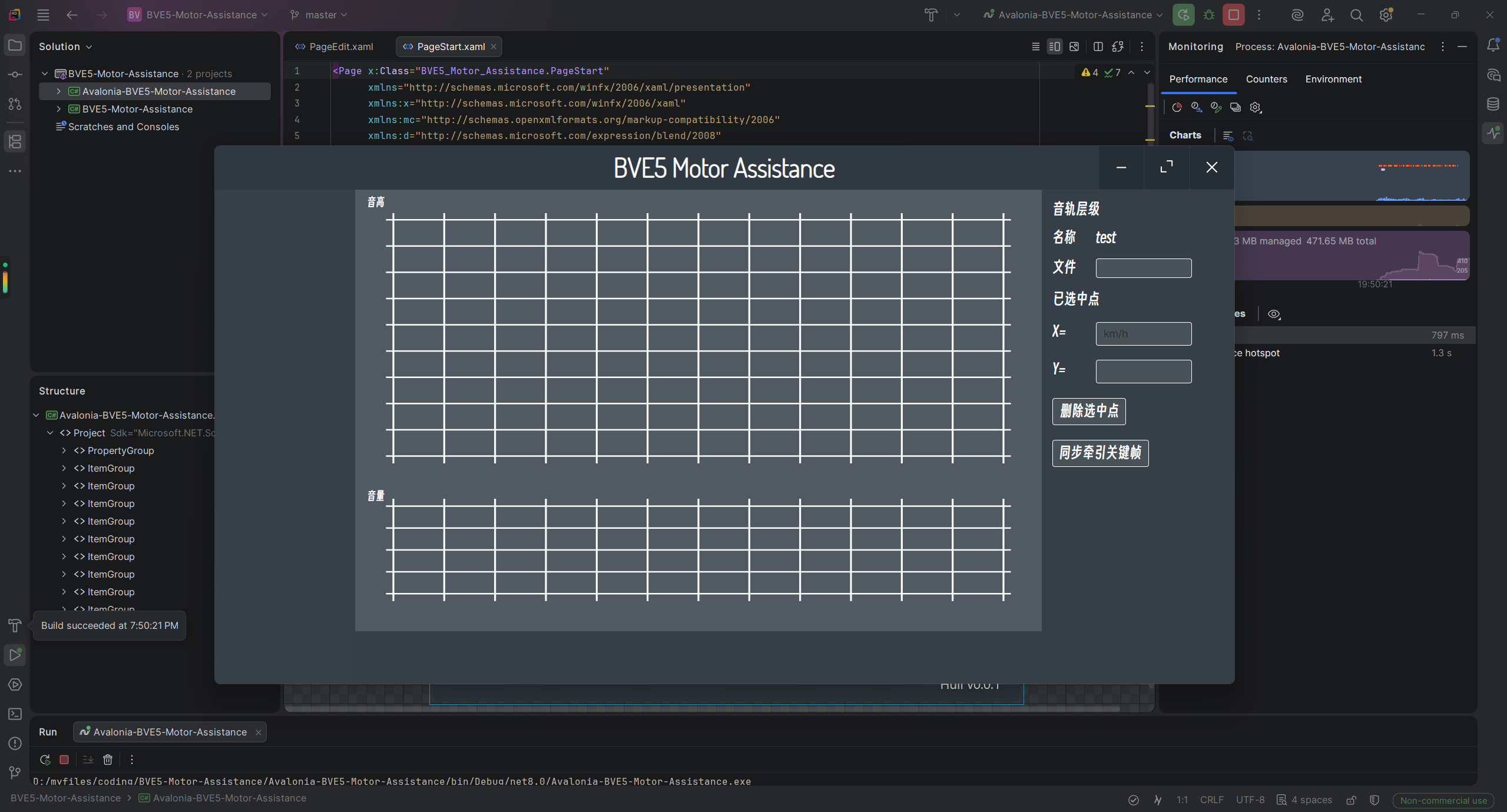
Avalonia UI version under development
But before long, a new problem emerged. While the UI was more flexible, the whole .NET and C# development paradigm—MVVM and all that—always felt like using a sledgehammer to crack a nut for a small tool like mine. My productivity never really took off, and the process of fighting with rough edges became draining. I dragged on until even the motivation to open the project dried up, and so it was left to gather dust once again (the related code lives in the old repository BVE5-Motor-Assistance).
Then I stumbled upon Tauri, and that gave me the nudge I needed to fill this hole.
What drew me to Tauri the most is that you can build the interface with web front-end technologies. The front-end ecosystem is incredibly rich—there's no shortage of ready-made component libraries you can just grab and use. And unlike Electron, Tauri doesn't bundle an entire Chromium; it leverages the system's native WebView, so the final packaged app is only about a dozen megabytes and runs efficiently. So I picked the project up from scratch once more.
This time, I also threw out the old UI that I'd grown to dislike and redrew a more pleasant-looking interface. Vue on the frontend, Rust on the backend—the overall development experience improved by miles.
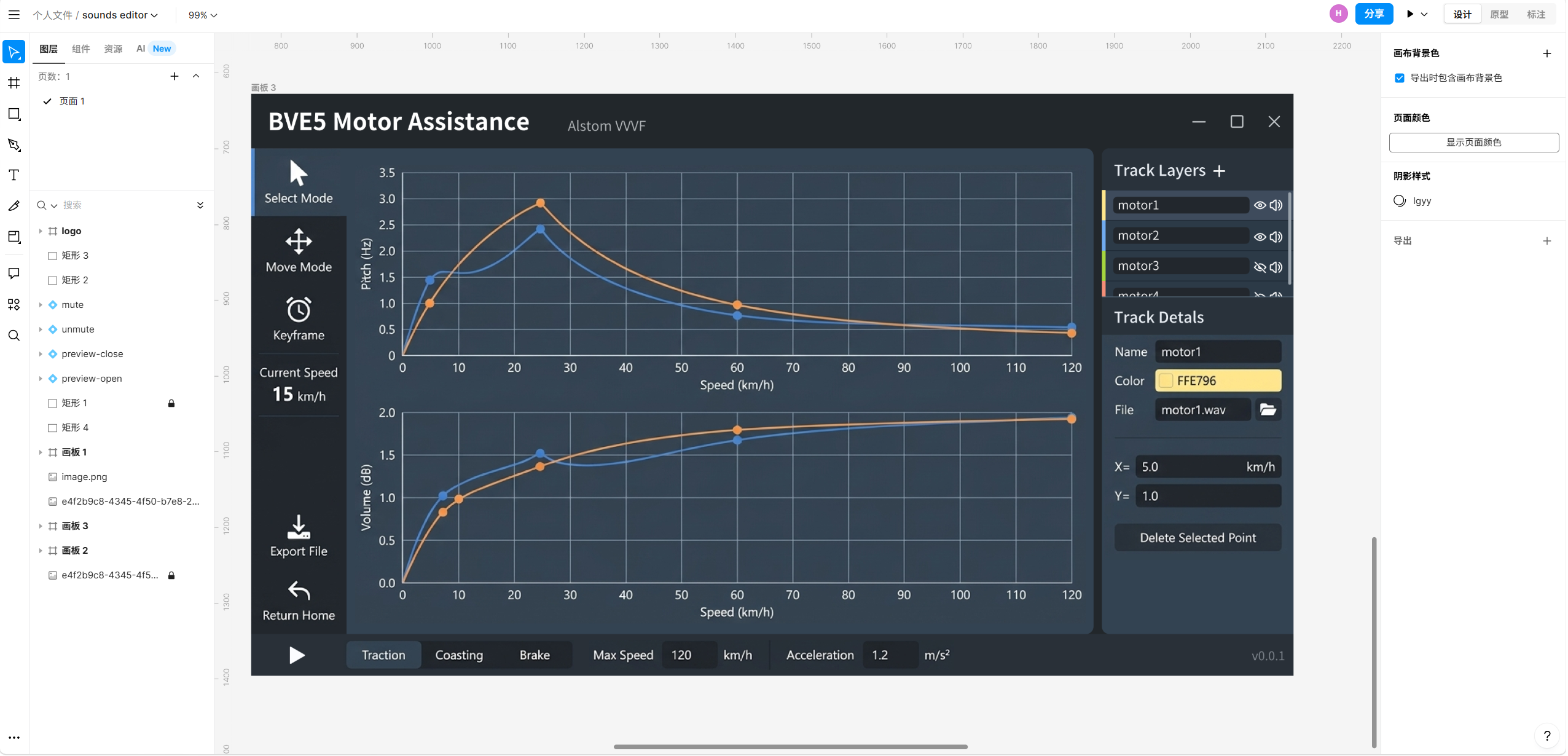
New UI design sketch
I should also mention how much AI coding agents have advanced. With AI assistance, logic that used to give me headaches and felt overly complicated to implement could now be resolved smoothly. It's fair to say that without such powerful coding agents now available, this project would probably still never have been finished.
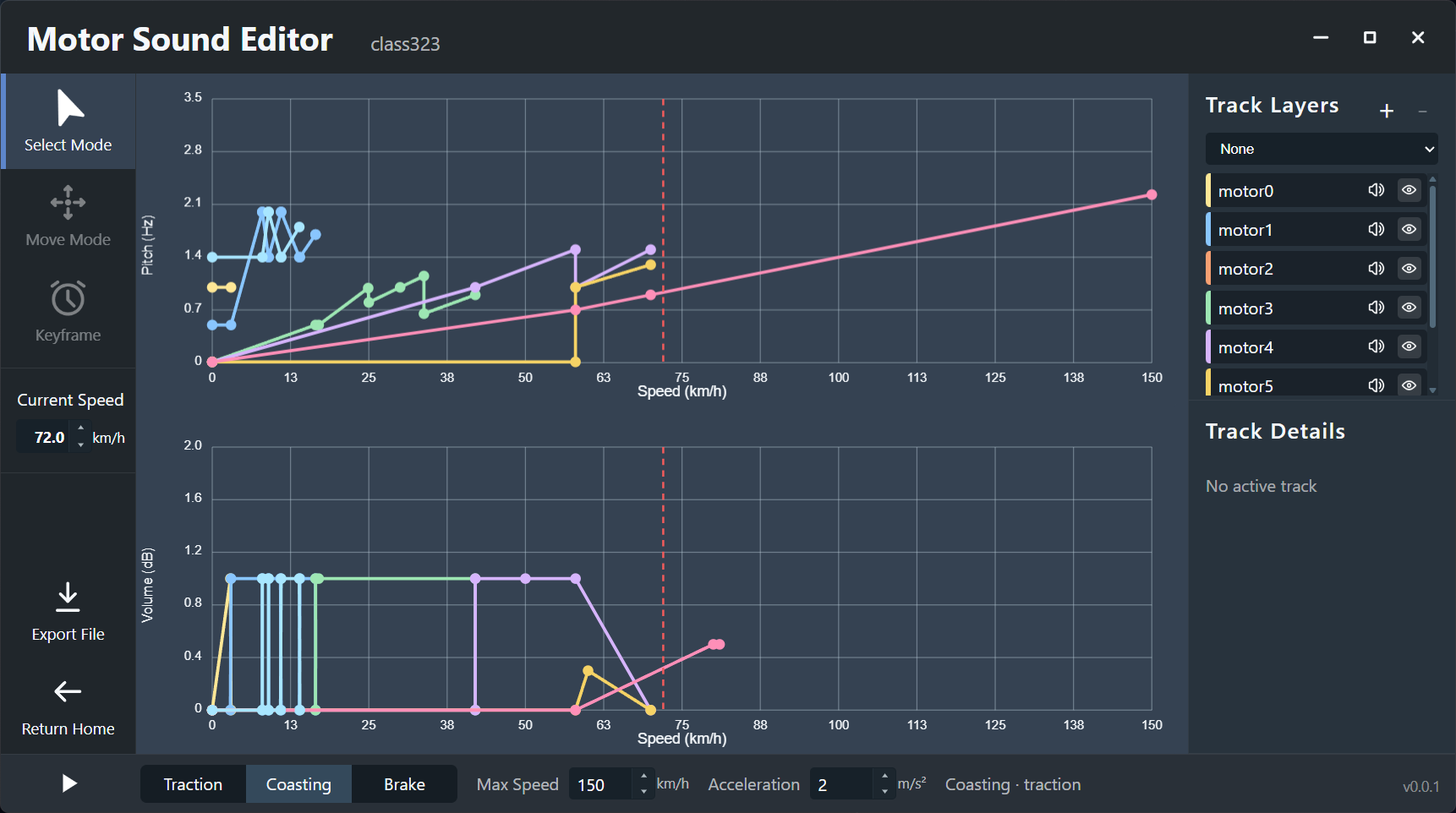
Software v0.0.1
The original motivation for building this tool was simply to spare myself some pain when creating sound effects, and now it's finally done. If you, like me, have ever been tormented by manually hand-crafting CSV files, I hope this little tool can save you some time. And if you enjoy tinkering with cross-platform small apps yourself, Tauri is honestly worth giving a serious try.