
Home and Projects
The Home screen is your project hub. It is where you create new work, reopen existing files, import external .msep files, and browse recent projects.
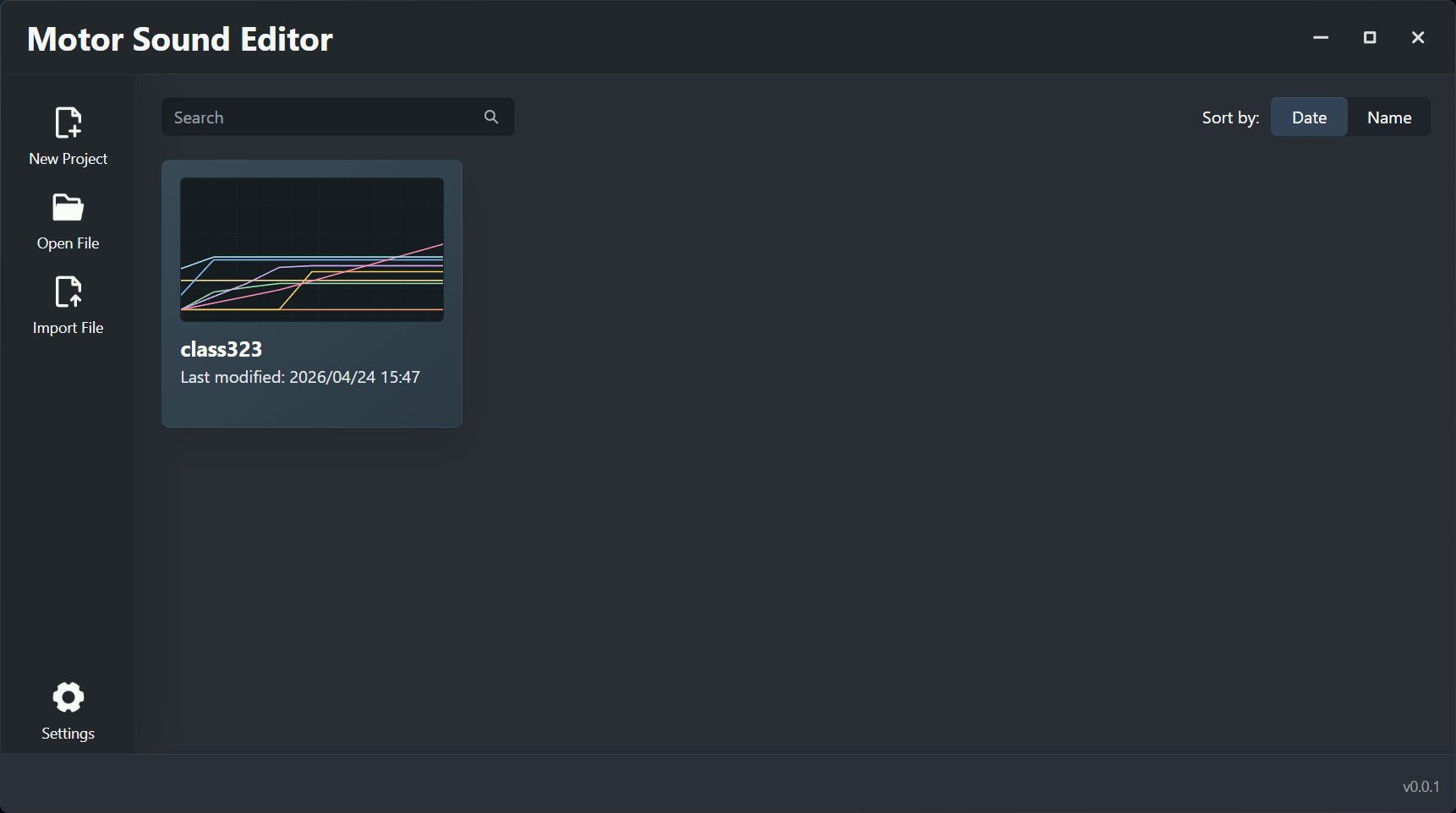
Sidebar actions
The left sidebar is the main action area for starting or resuming work:
- New Project opens the new-project dialog and creates a fresh working document.
- Open File opens an existing
.msepfile from disk. - Import File brings an existing
.msepfile into the app's recent-project flow. You can also drag an.msepfile onto the Home screen to import it. - Settings is present in the layout, but there is no finished settings screen in the current user-facing build.
Recent projects
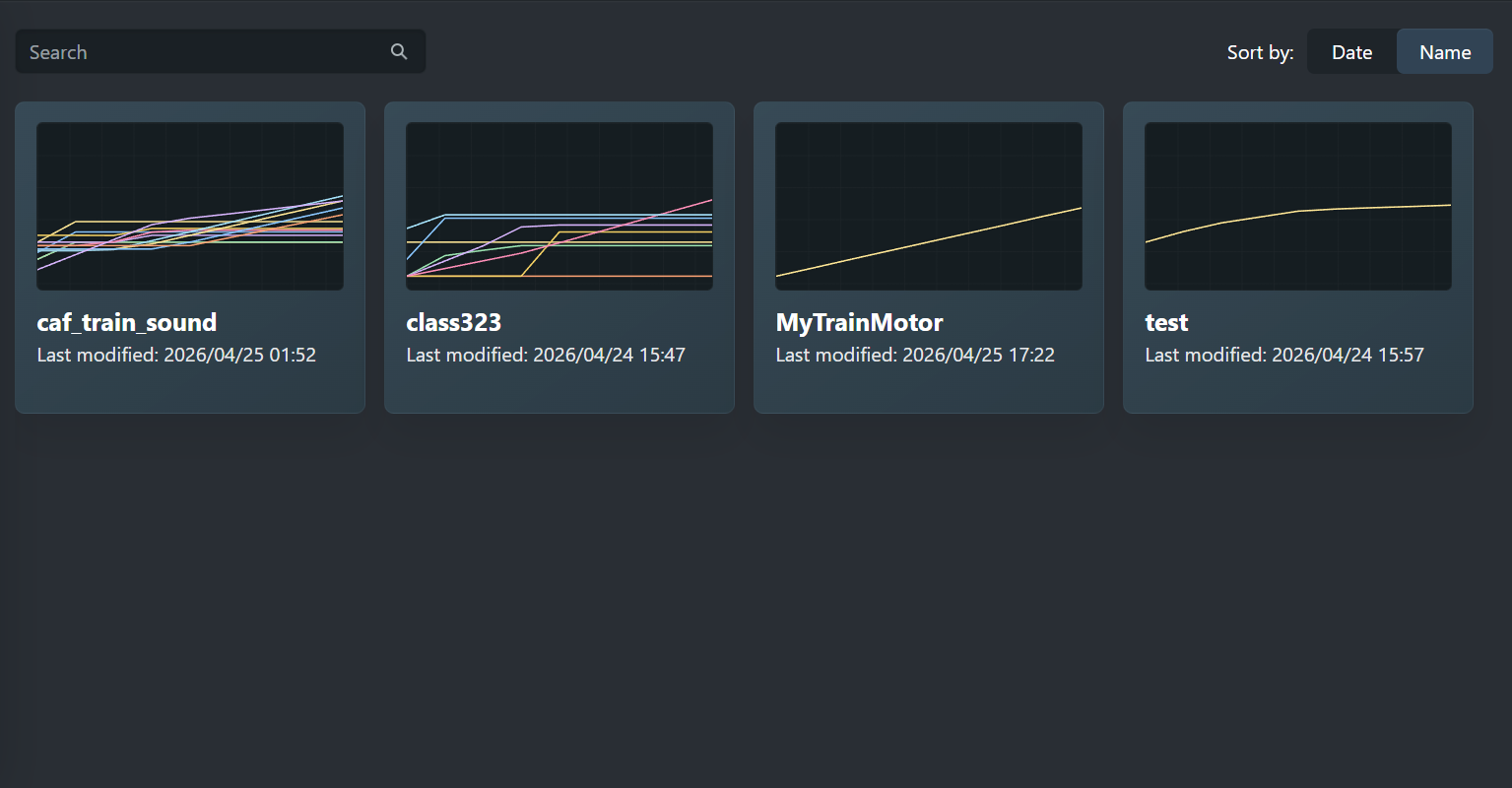
The main area shows recent projects as cards. Each card can include:
- the project name
- the last modified timestamp
- a compact track preview graphic
This area is meant to reduce context switching. You can identify and reopen a project visually instead of relying only on file names.
Search
The search field filters the recent-project list by text.
If your naming scheme is consistent, for example by train class, operator, or project stage, search becomes especially effective.
Sorting
The Home screen supports two common sort modes:
- Date: best when you want to return to the project you edited most recently.
- Name: best when you manage multiple projects in parallel and rely on naming conventions.
Date sorting is usually better during active production, while name sorting is more useful for library-style browsing.
Opening a project
You can open a project from these entry points:
- Open File: choose an
.msepfile and open it directly. - Project Card: click a project card in the recent-project area.
If the file is valid, the app loads the project metadata, tracks, curves, and packaged audio into the editor.
Removing a project from the recent list
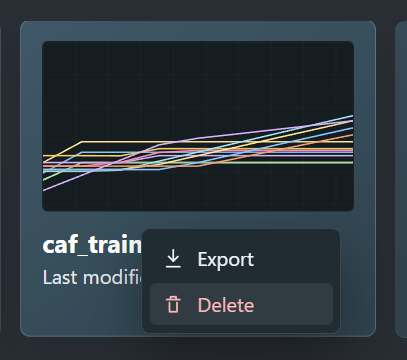
The recent-project view can remove an entry from the recent list. Right click a card to open the menu, then choose Delete.
This only affects the recent list. It does not delete the actual project file from disk. Common reasons include:
- the file path has changed
- the entry is no longer useful
- you want a cleaner recent-project panel
New project fields
When you create a new project, the app asks for core metadata and simulator defaults. In practice this includes:
- project name
- maximum speed
- acceleration
These values do more than label the file. They also affect curve speed-range limits and how the preview system interprets the project.